Click on setting gear on top right corner, click on site contents, click on settings again, select Change the look to adjust.
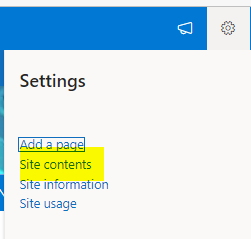
Inside the Site contents page
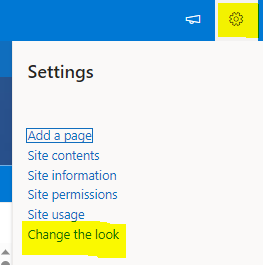
You can change the header, navigation, icons,
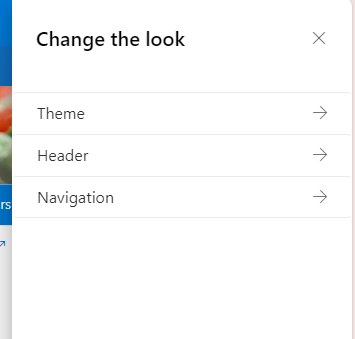
Once satisfied dont forget to save at the bottom of the page
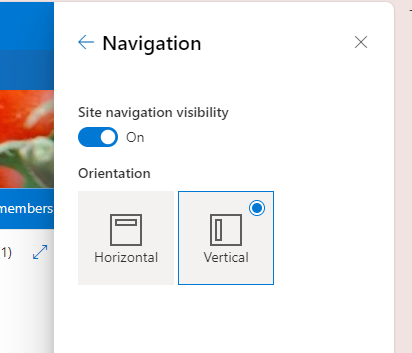
Important : Theme cannot be modified
Was this article helpful?
That’s Great!
Thank you for your feedback
Sorry! We couldn't be helpful
Thank you for your feedback
Feedback sent
We appreciate your effort and will try to fix the article